
How Would You Wood

Project Outcomes:

My Role: Lead Designer
Overview
about image
About

How Would You Wood

Starting a new hobby can be extremely overwhelming. This is especially true when it comes to wood working. Trying to figure out what tool to buy, wondering how much money it is going to cost and learning how to use them stops many hopeful newcomers before they can get started.
This app will tell you how to accomplish specific woodworking techniques based on the existing tools you have while offering recommendations for tools that would improve your workflow.
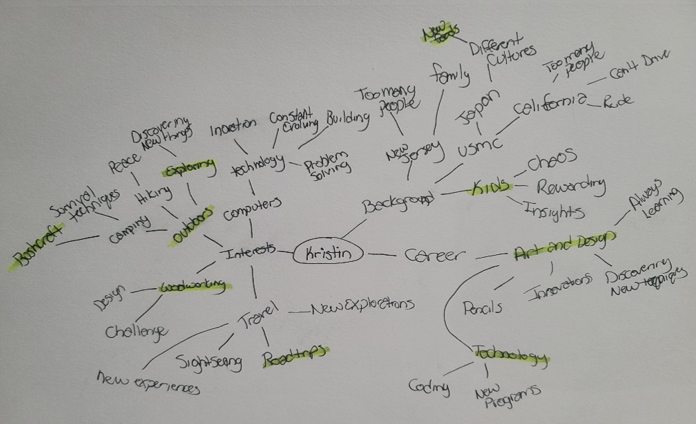
Brainstorming Process
Mind Map
Mind Map
Background Research
Background Research
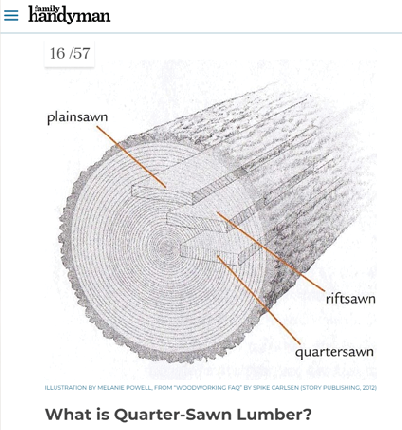
Research 1 Link to Article

Woodworking Techniques and Tips for Beginners :
The Crucible

Introductory information to basic techniques and tips explained

Research 2 Link to Article

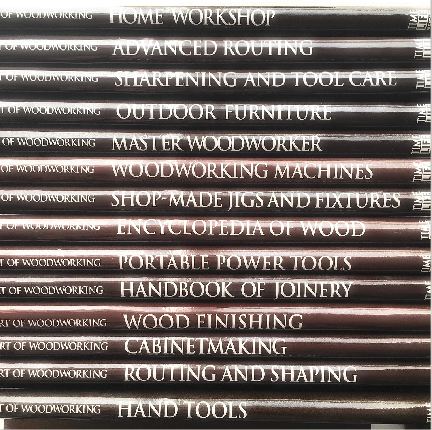
The Art of Woodworking: 25 Book Series :
ST. Remy Press

This book series coveres everything from the basic hand tools, saftey procedures, shop setup and into advanced and complex techniques

Research 3 Link to More information

Steve Ramsey

Channel dedicated to getting into woodworking for the mere mortal

Market Research

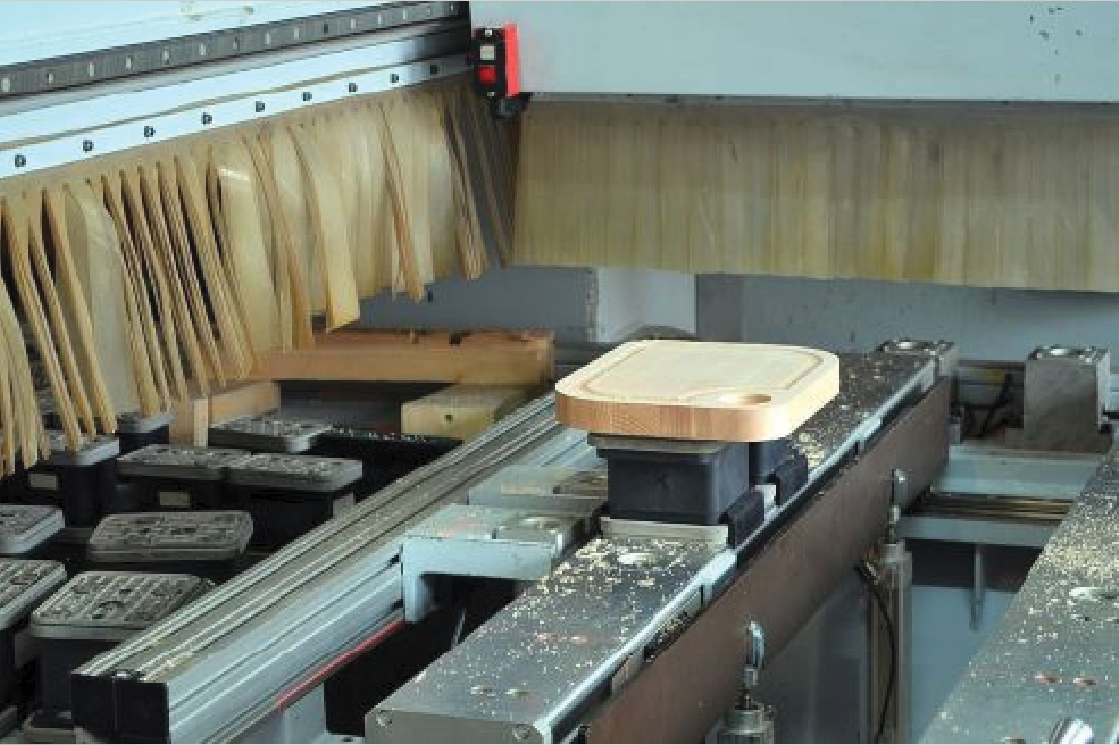
Key trends and Statistics in the U.S Wood Products Industry

Link

Key findings:

Wood products industry is expected to grow annually by 6.6% each year

There is growing interest to move to more sustainable products nationally

In the interest of sustainability, the use of recycled wood is also increasing

Market Research
Market Research
Competitors
Competitors
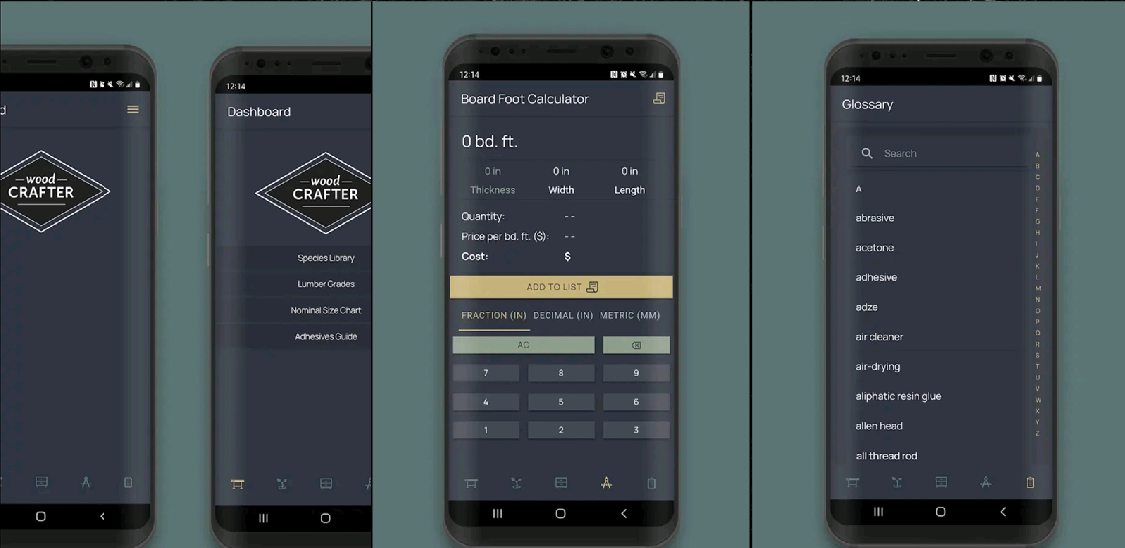
Wood Crafter

Wood Crafter: Woodworking App

A Mexican food truck based in San Francisco. They use “Caviar” and “Door Dash” to provide mobile orders for pick up or delivery. 5 star rated and open for lunch from 11am to 2pm with two locations throughout the week, one location Mon., Thurs, and Fri. and the other, Tues. and Wed.. Can followed on Facebook and Instagram.

Link to Competitor
Wood Master

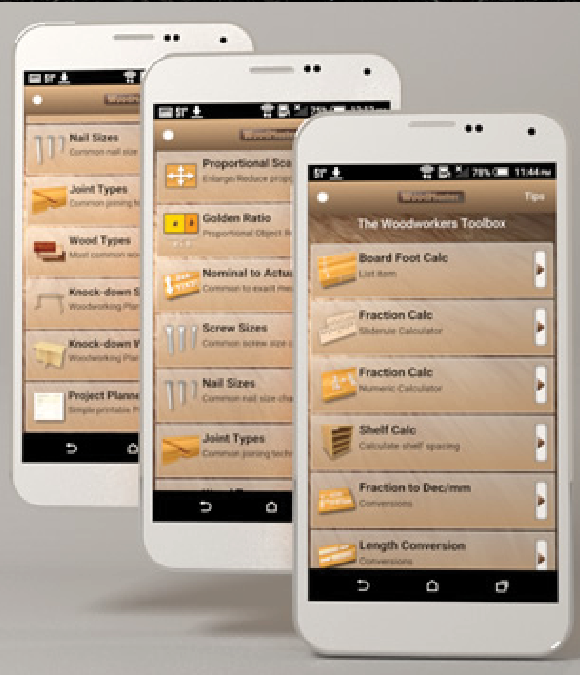
WoodMaster: Woodworking App

Designed to be a “pocket-sized” toolbox. With all types of tips tricks and calculators for different things

Link to Competitor
Audience Research
Audience Research
Audience Research

WoodMaster: Woodworking App

Link

Key Findings:

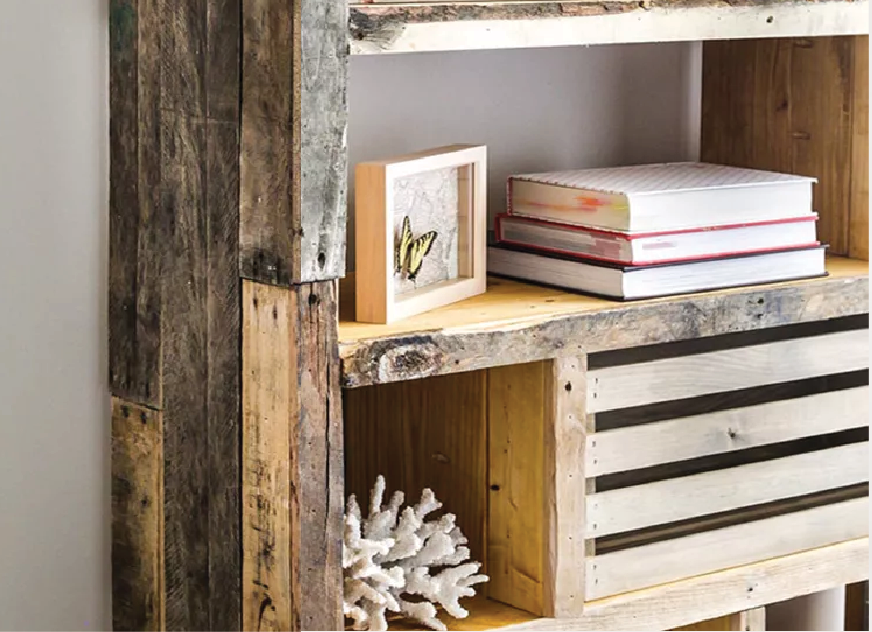
People want a sustainable way to decorate their homes.

Pallet wood is cheap and sometime free to begin using for basic projects

Minimal tools are required to get started in the woodworking world

Target Audience

Demographics

Men and Woman

Ages 18 - 35

Single

Employed

Middle Class

Psychographics

People who enjoy building things and want to learn more on how to do that. These are the people that enjoy problem solving and new challenging hobbies.

Target Audience
Target Audience
Persona
Persona
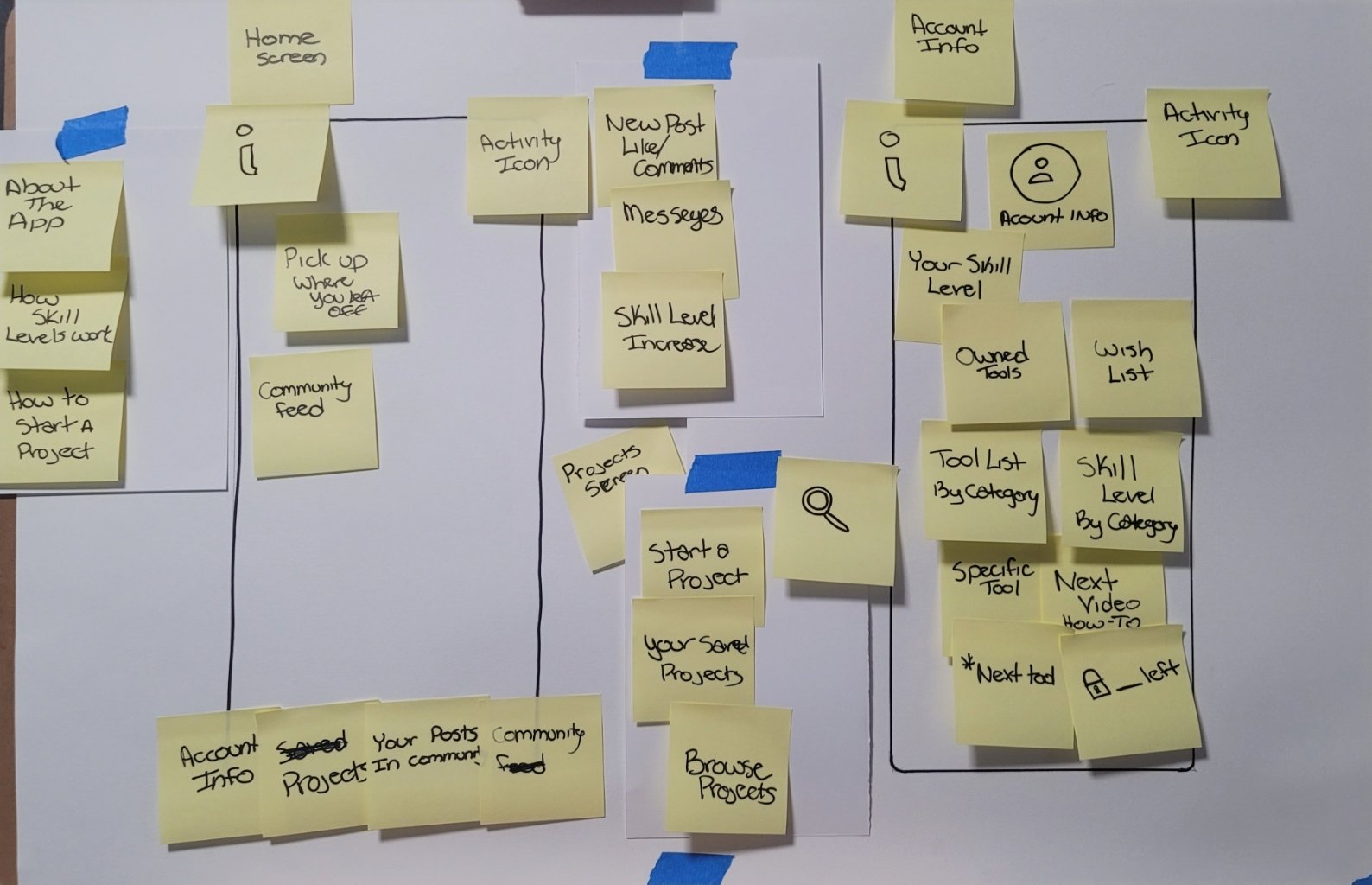
Concept Sketch
Concept Sketch
Concept Sketch

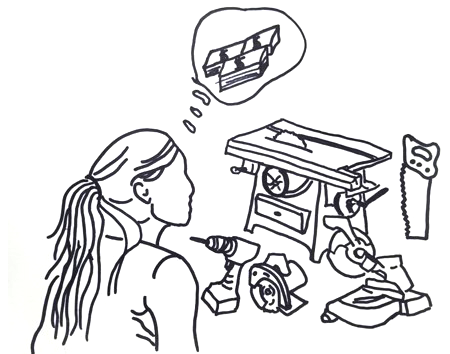
Starting a new hobby can be extremely overwhelming. There are so many different tools and brands and techniques that getting started can be difficult and cost a lot of money buying tools you many not even need. Trying to figure out what tool to by and wondering how much money it is going to cost and learning how to use them can make people wanting to start, stop almost immediately.

How Might We

How might we simplify woodworking that banishes the intimidation factor while making the journey fun and engaging?

User Story
User Story

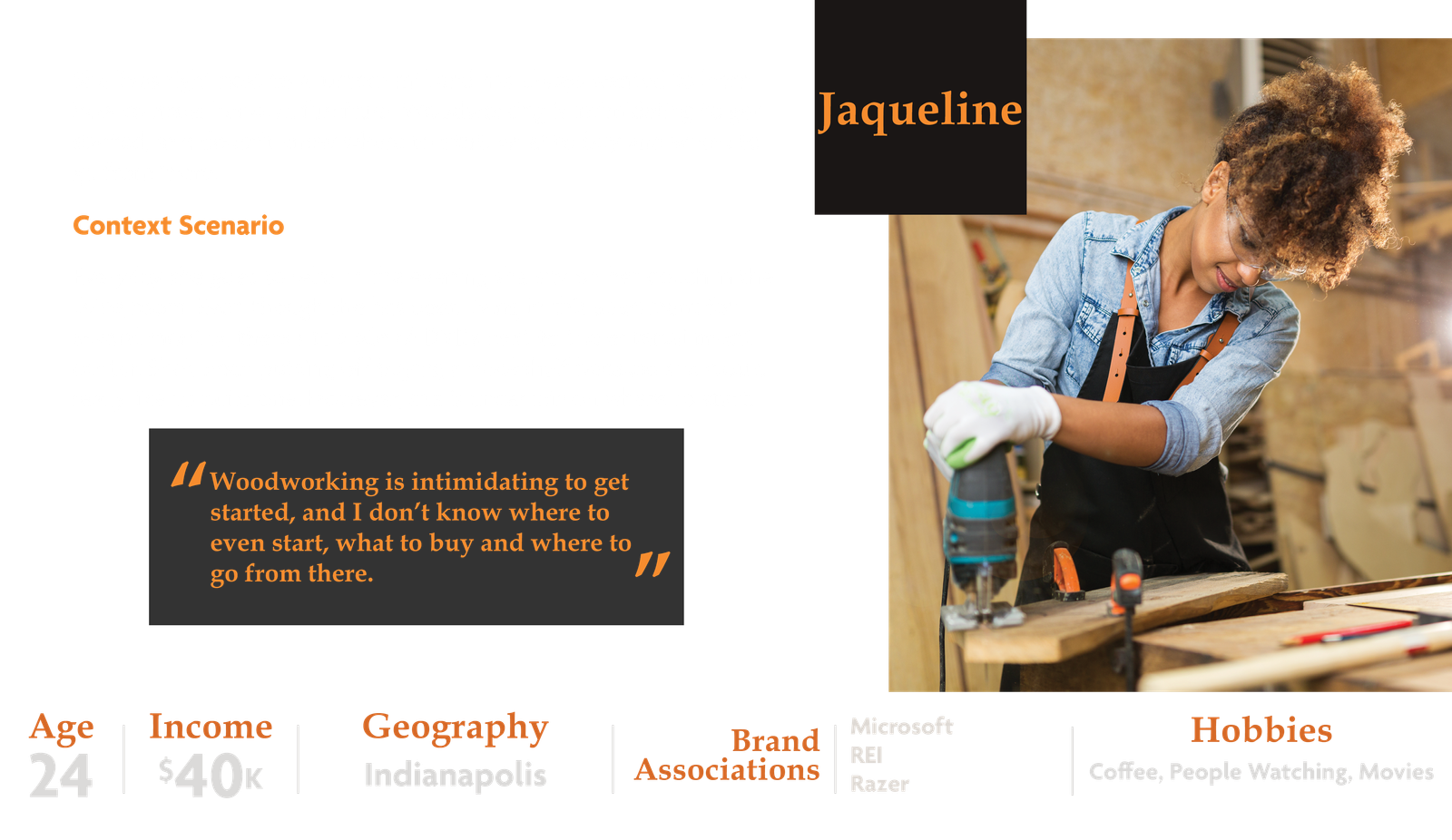
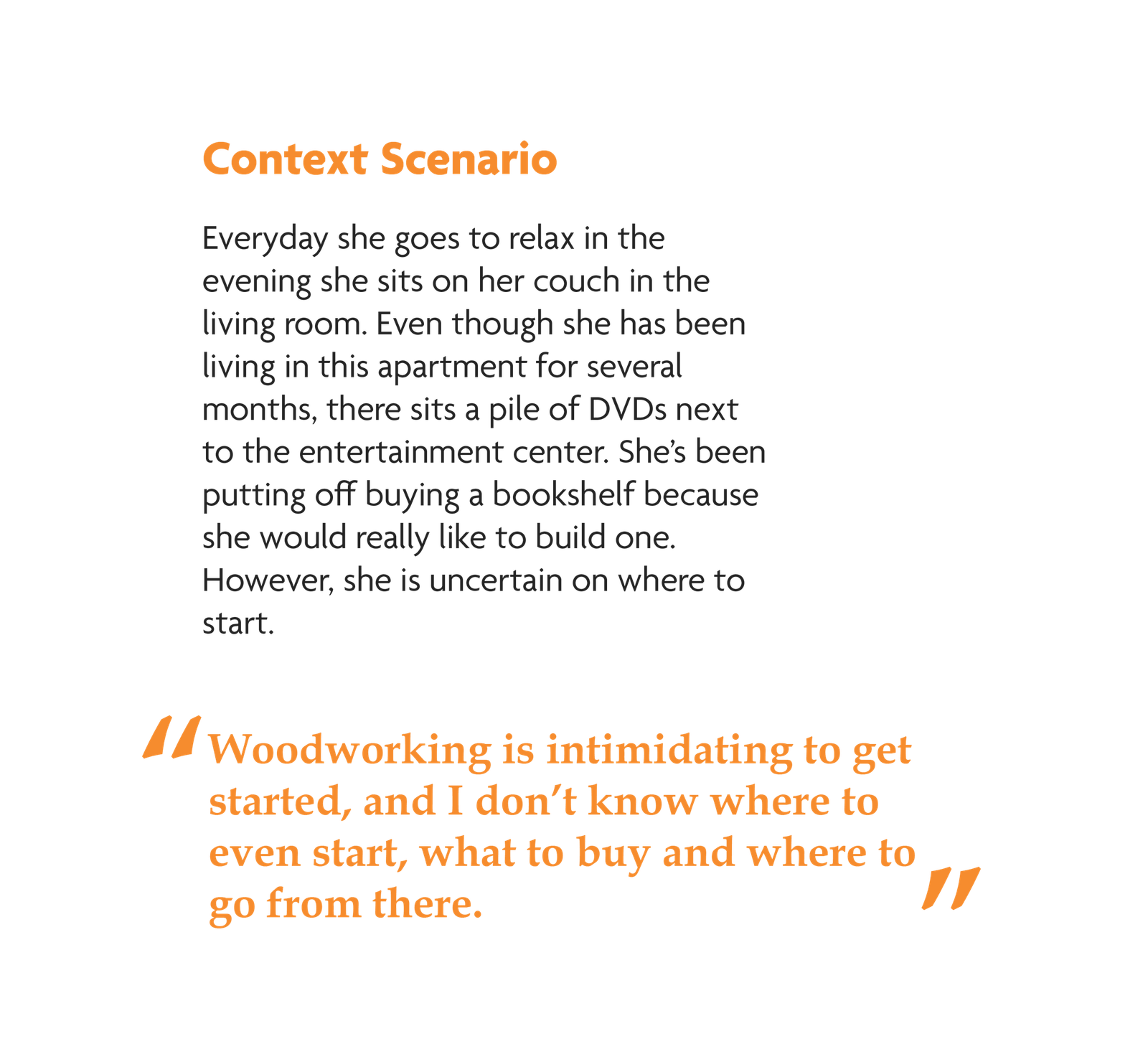
Jaqueline just finished up dinner and is relaxing in her living room. Its Friday night, about 8pm and as shes sitting watching TV, she notices yet again that she really needs to make some shelves to organize her DVD collection. Shes been wanting to make these shelves herself for some time, but never knows where to even start.
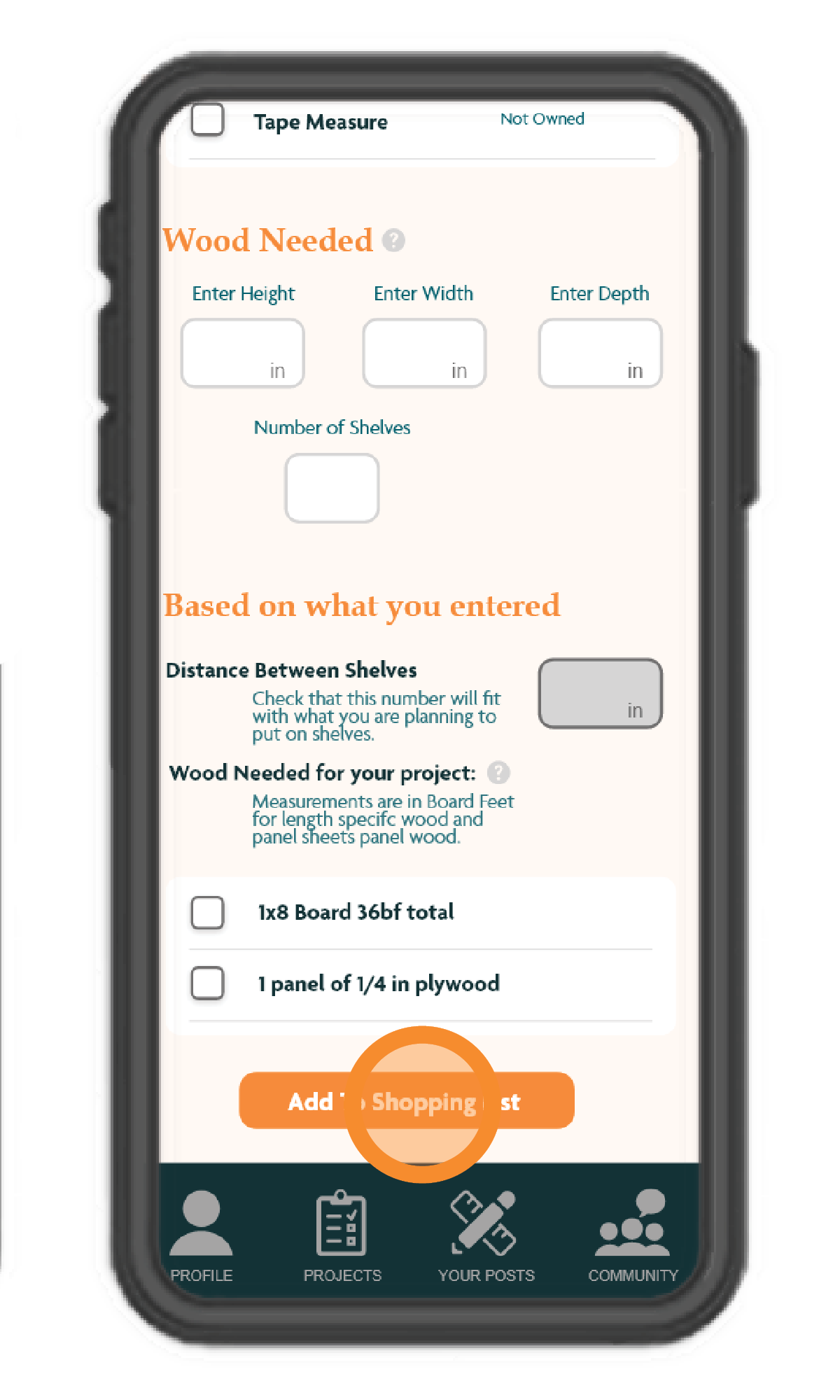
She downloads the app “How Would You Wood” and begins to create her account. The beginning asks for her basic information and then goes on to ask her about where she thinks her current skills are at. The next section asks about any tools she owns, but as she doesn’t have any she skips this part. A thank you screen pops up and she lands on her profile page. She selects “Purchase tools” and another questionaire pops up asking to select a project type and what her budget would be for tools to get started. It then lands her on a page that recommends tools that would help her complete the project within her selected budget. She adds this to her shopping list to be able to head to the store in the morning.

Jacqueline

Age: 24

Data Analyst

Friday

08:00 pm

Home

App Set Up Ideation
App Ideation
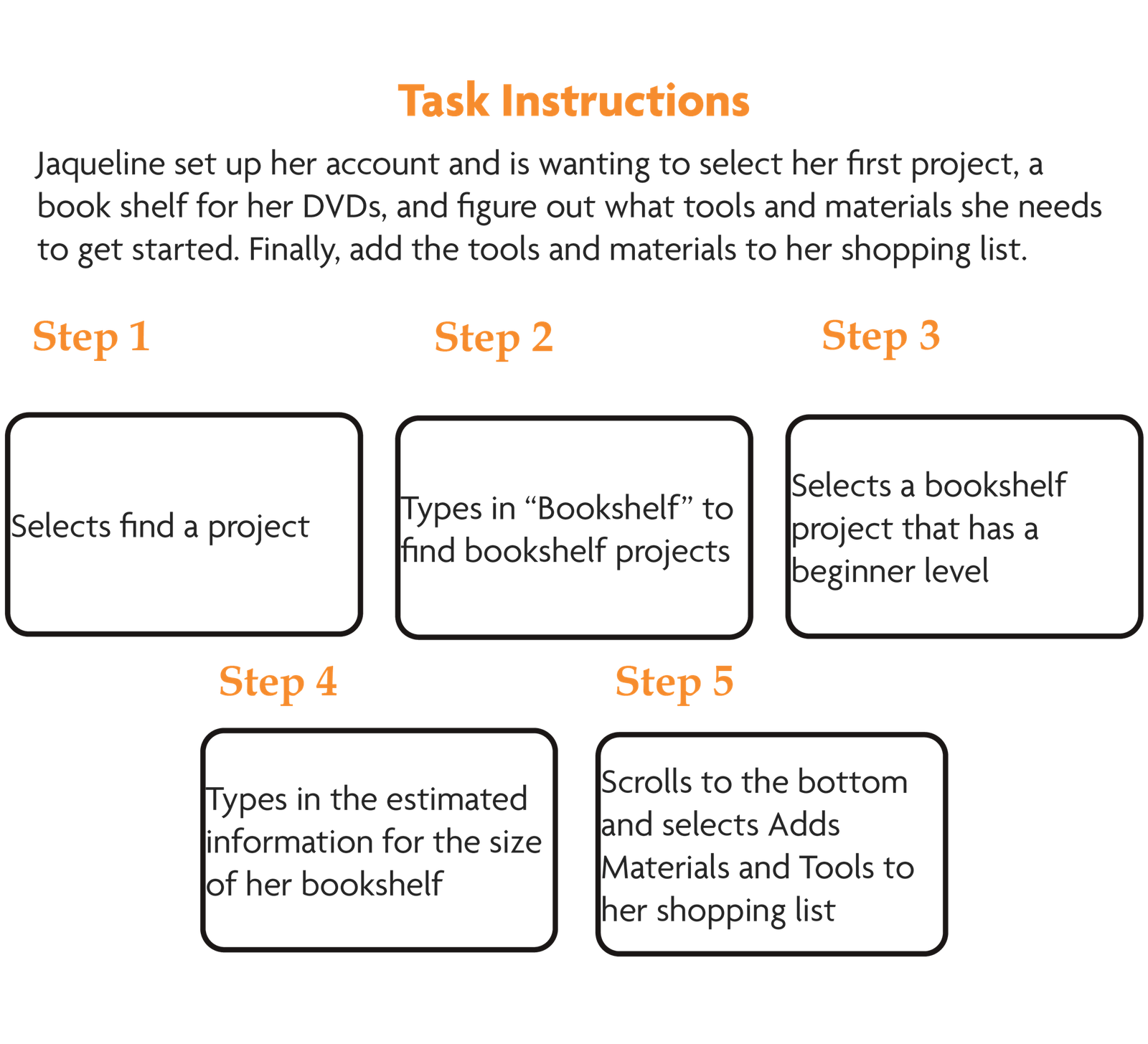
User Task Flow
User Task Flow
Task Flow 1 A
Task Flow 1 B
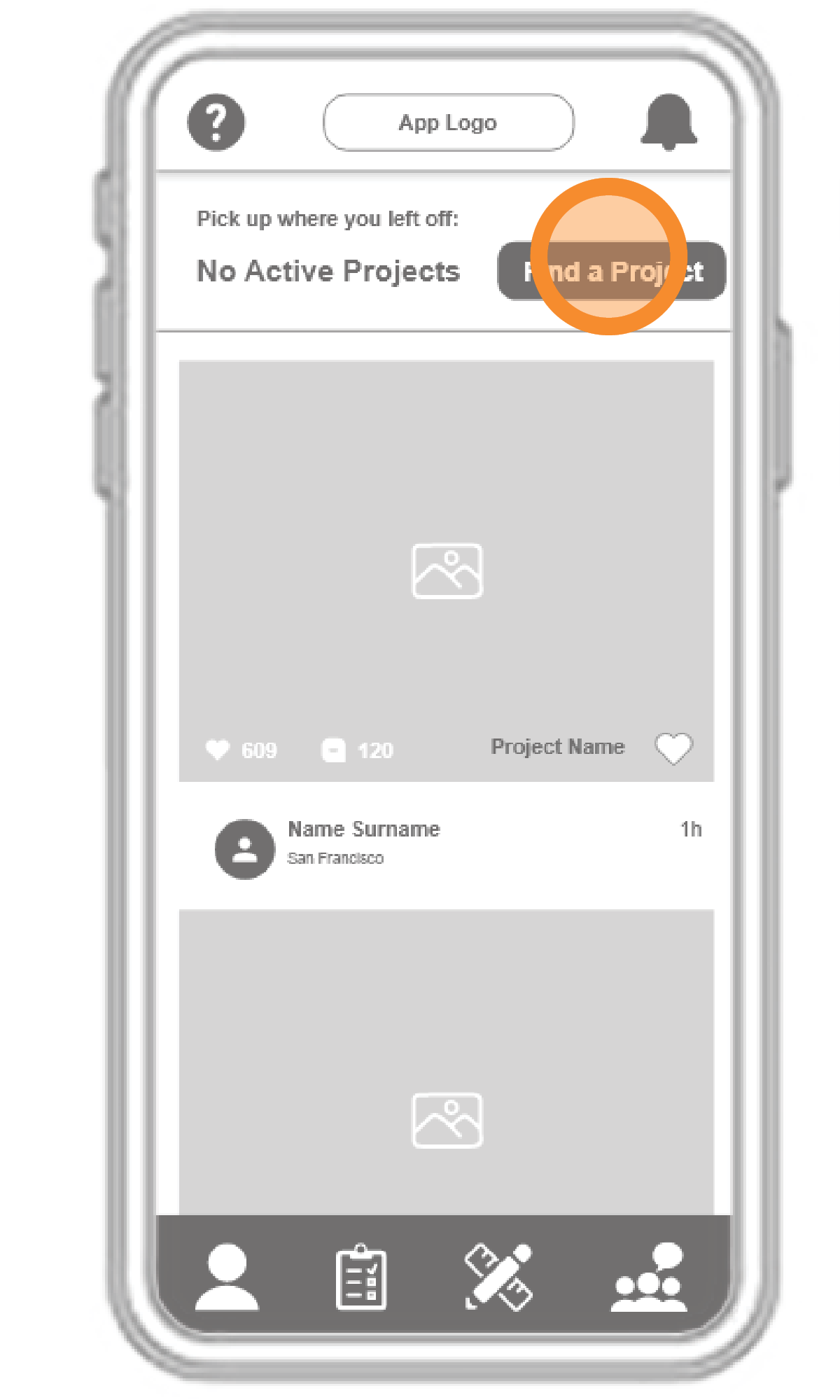
Low Fidelity Wireframes
User Task Flow

Low Fidelity

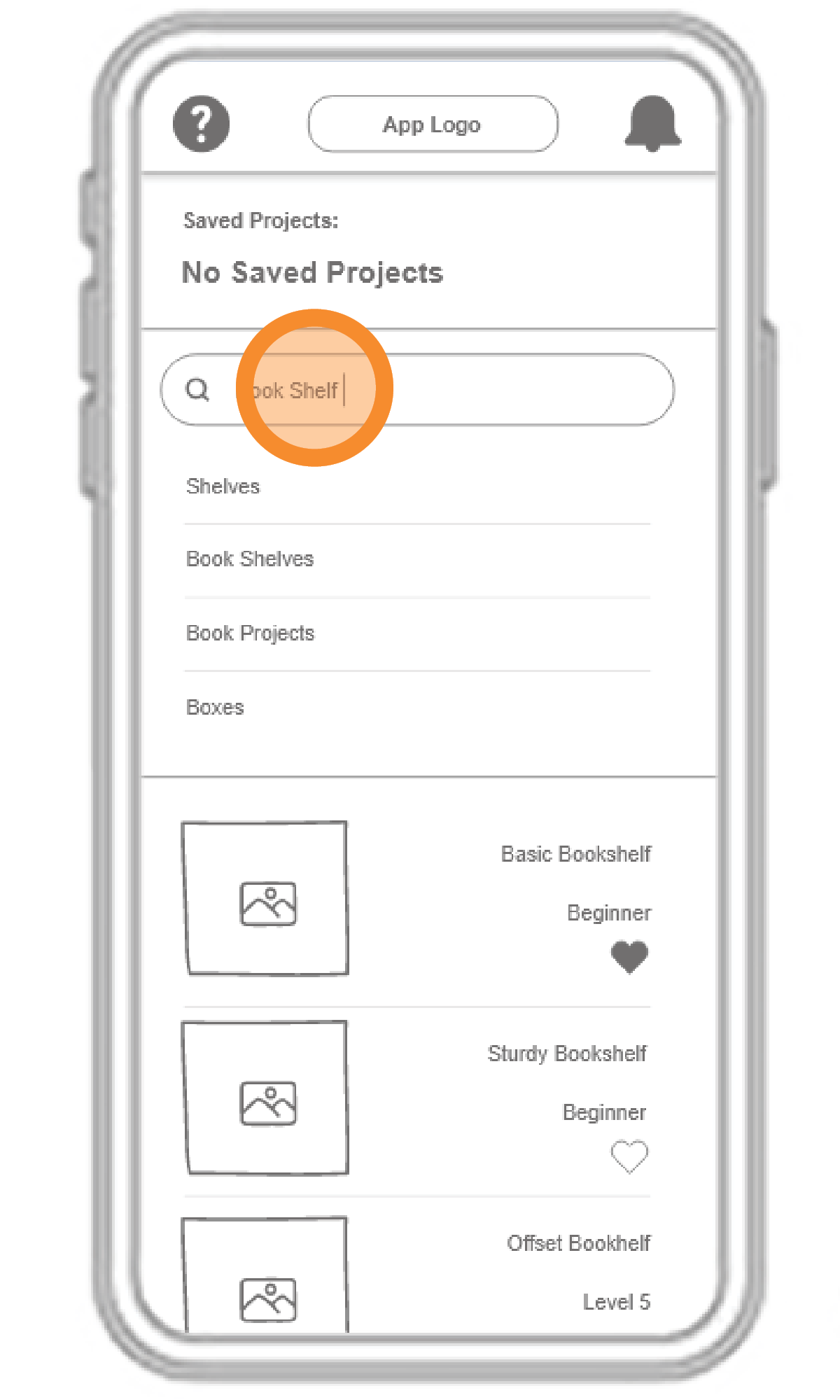
Low Fidelity 1
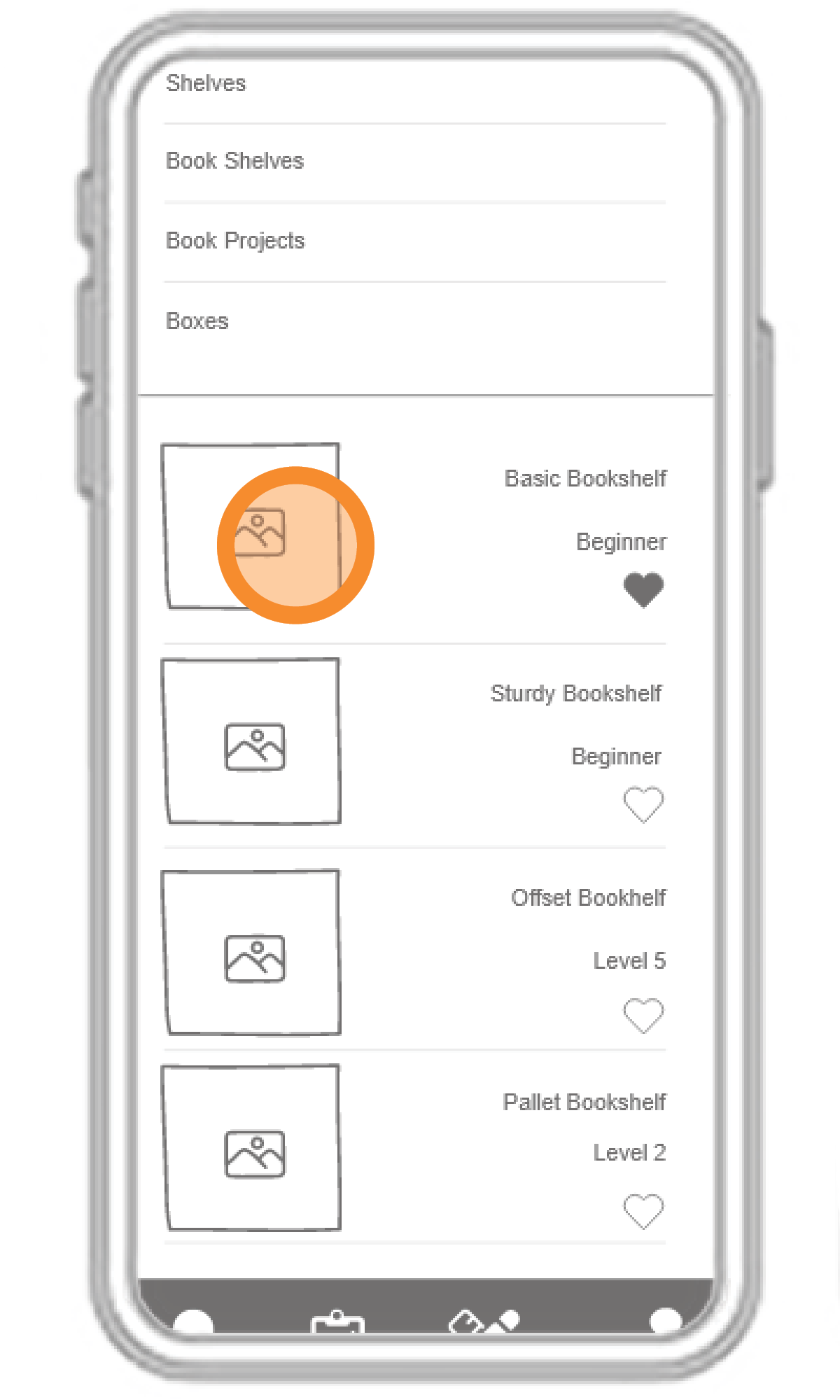
Low Fidelity 2
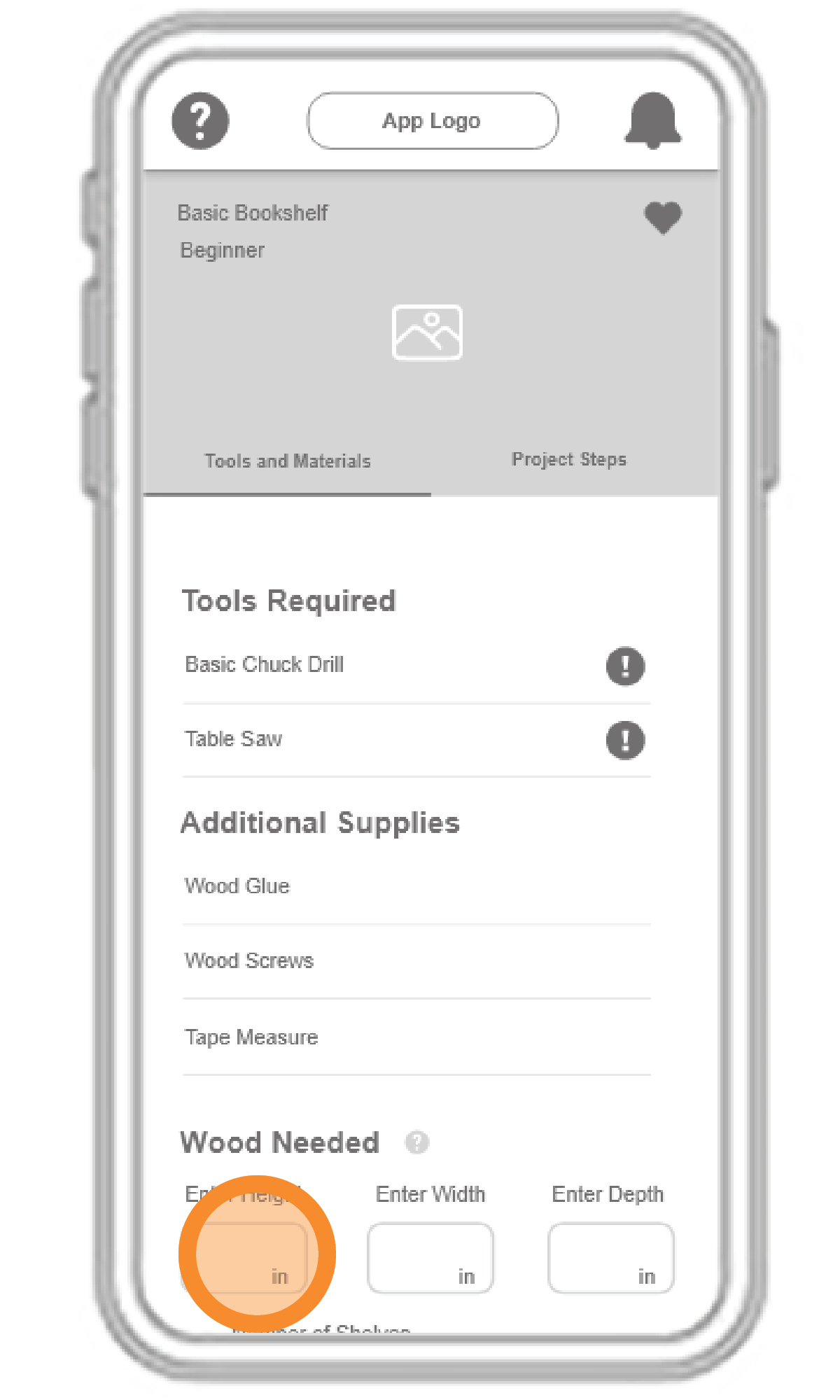
Low Fidelity 3
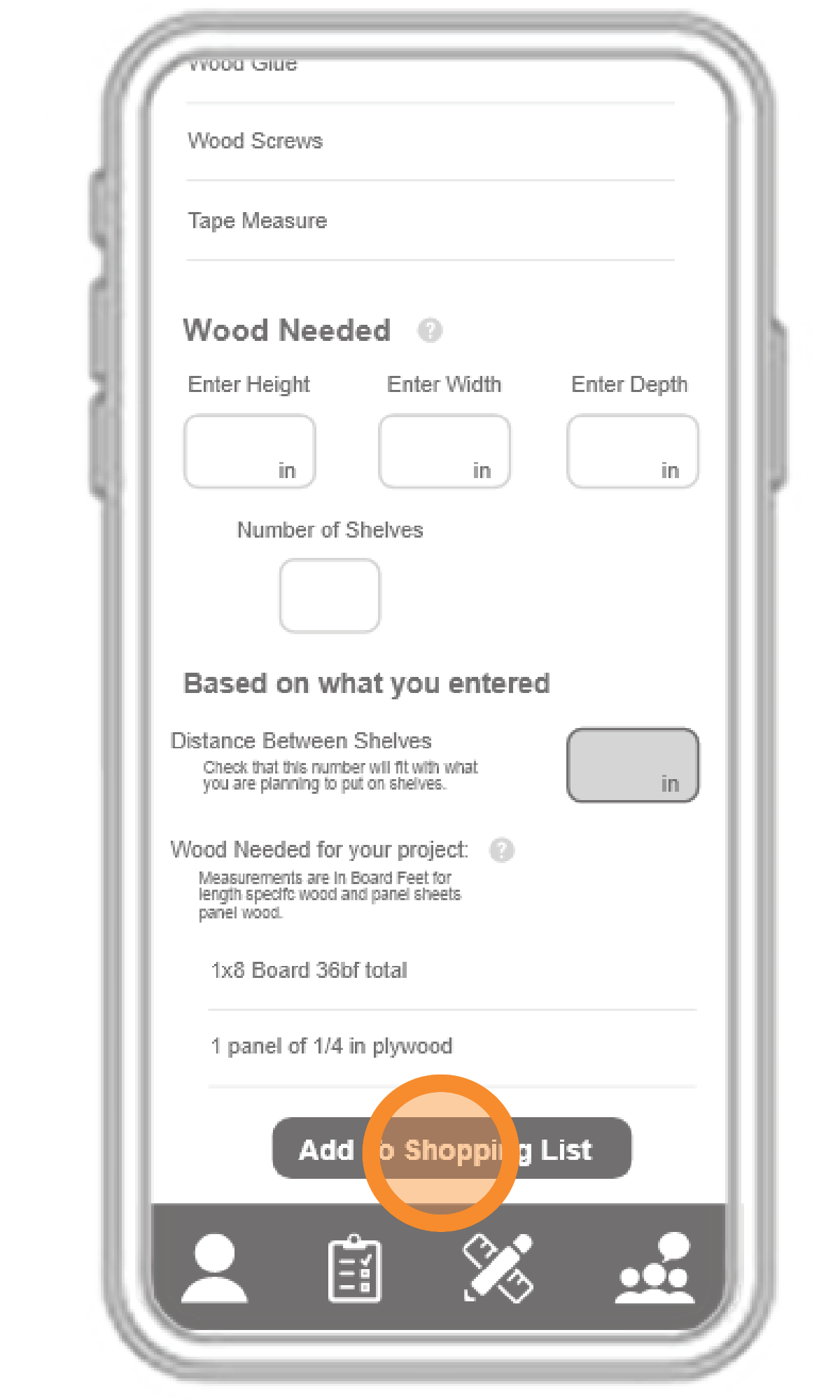
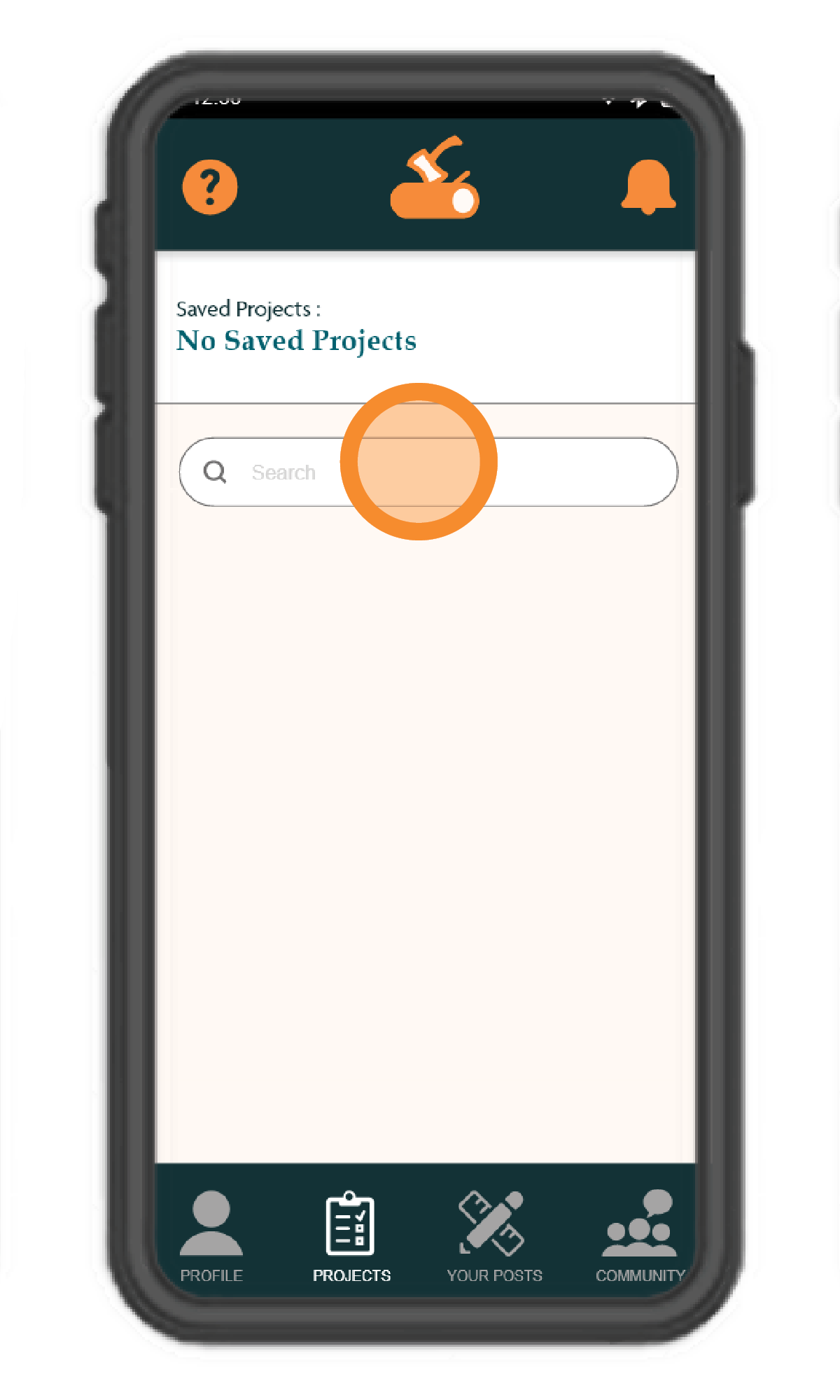
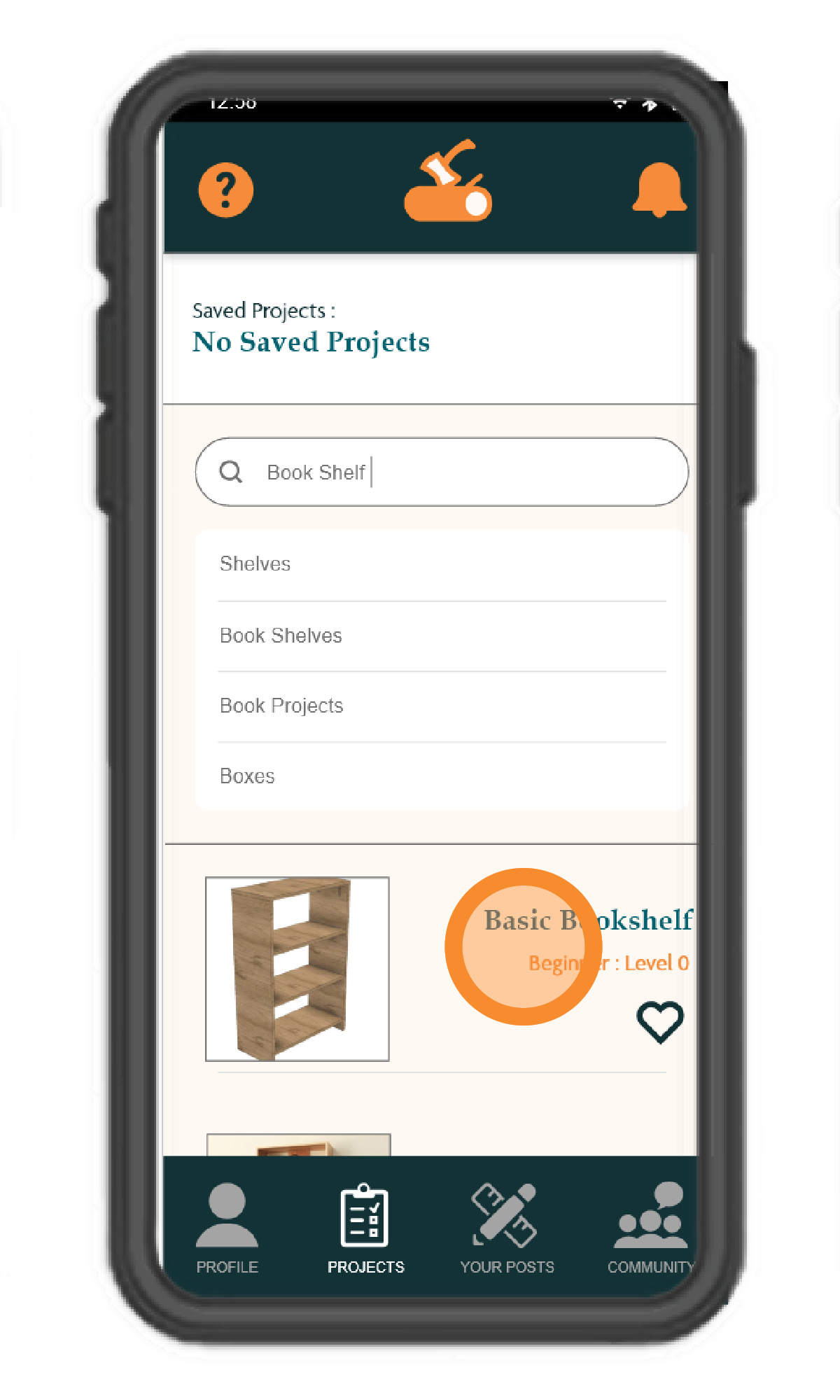
Low Fidelity 4
Low Fidelity 5
Usability Testing Results
Usability Testing

Results

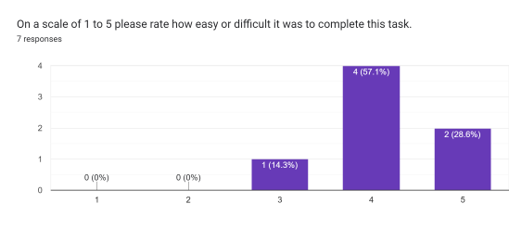
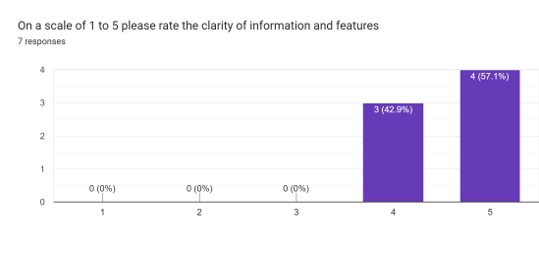
Google Form Results

Number of Responses -- 7
Testing Dates 2025
April 25 through May 10

Task Prototype

Click Here
Testing Results 1 Testing Results 2
Usability Testing Feedback

Key Feedback

Separate the Screen for searching up the bookshelf

Changing the icons and making them a little larger would help with navigation and understanding.

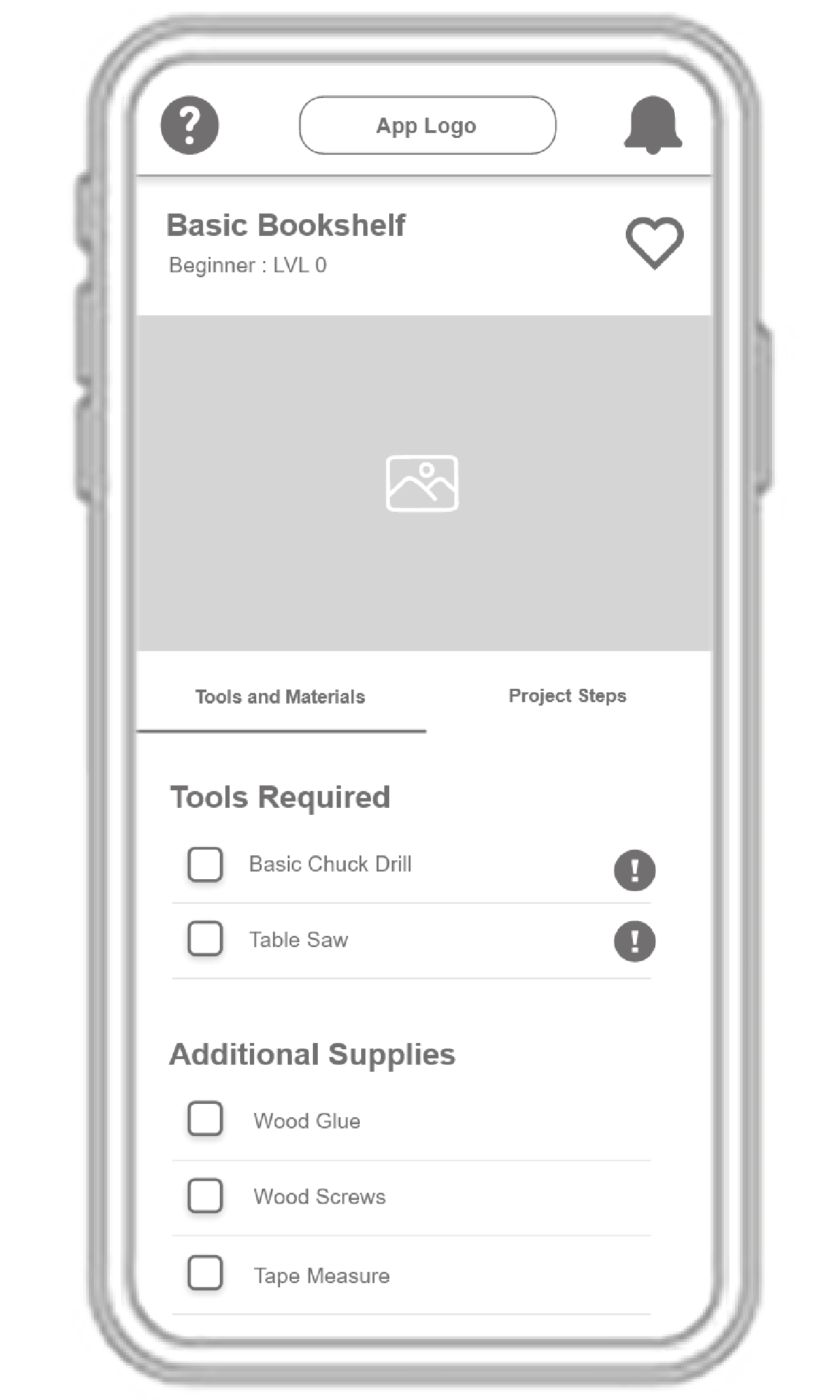
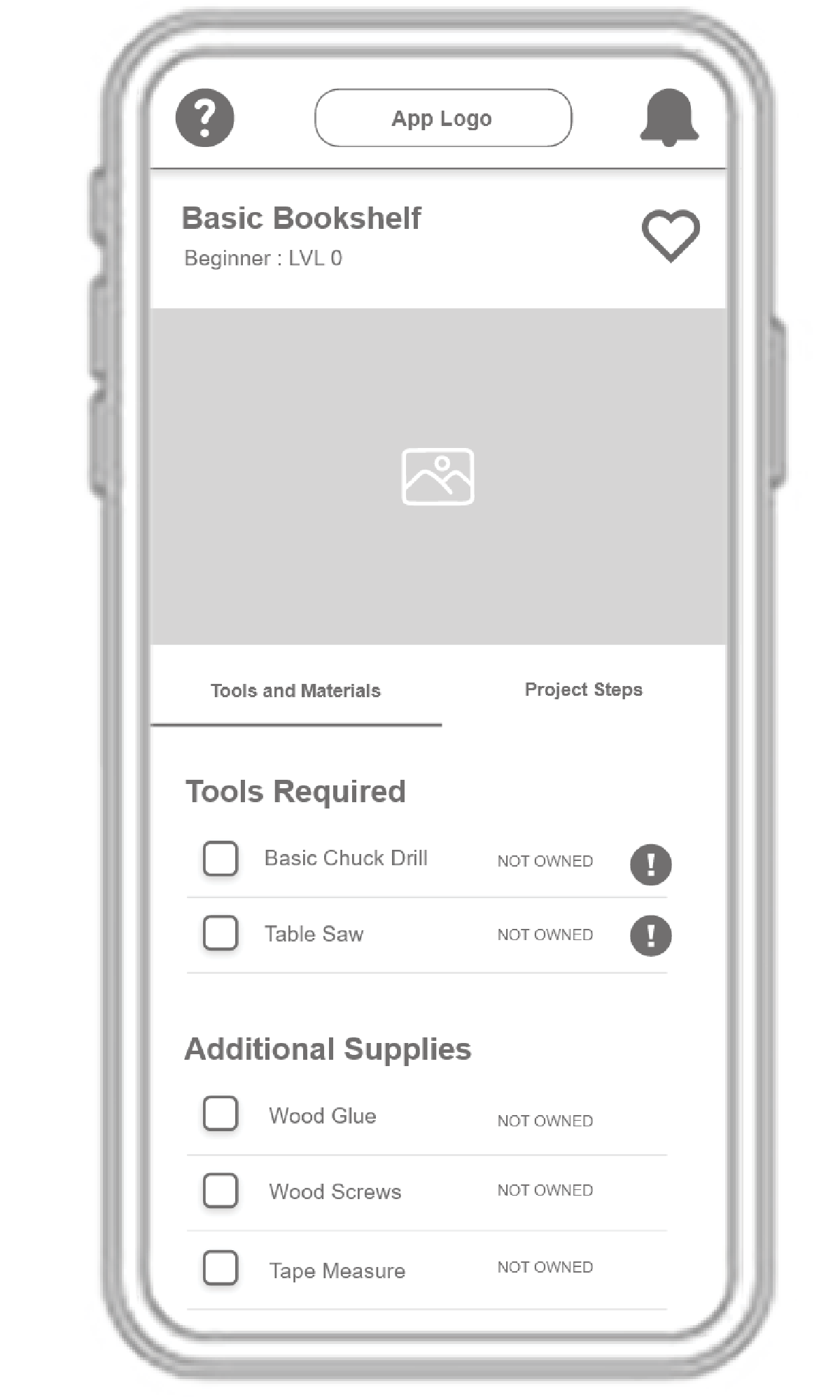
Make it clearer on the project page which tools are in my inventory already verses ones I need to purchase or rent

Have some of the information “minimized” to reduce page clutter

I would think “posts” show on your profile page (1st icon), projects (hammer + wrench icon) 2nd, my inventory (checklist icon) 3rd-- and inventory is your saved projects and your saved materials, and 4th remains community.

Usability Testing

Feedback

Google Form Results

Number of Responses --
Testing Dates 2025
April 25 through May 10

Task One Prototype

Click Here
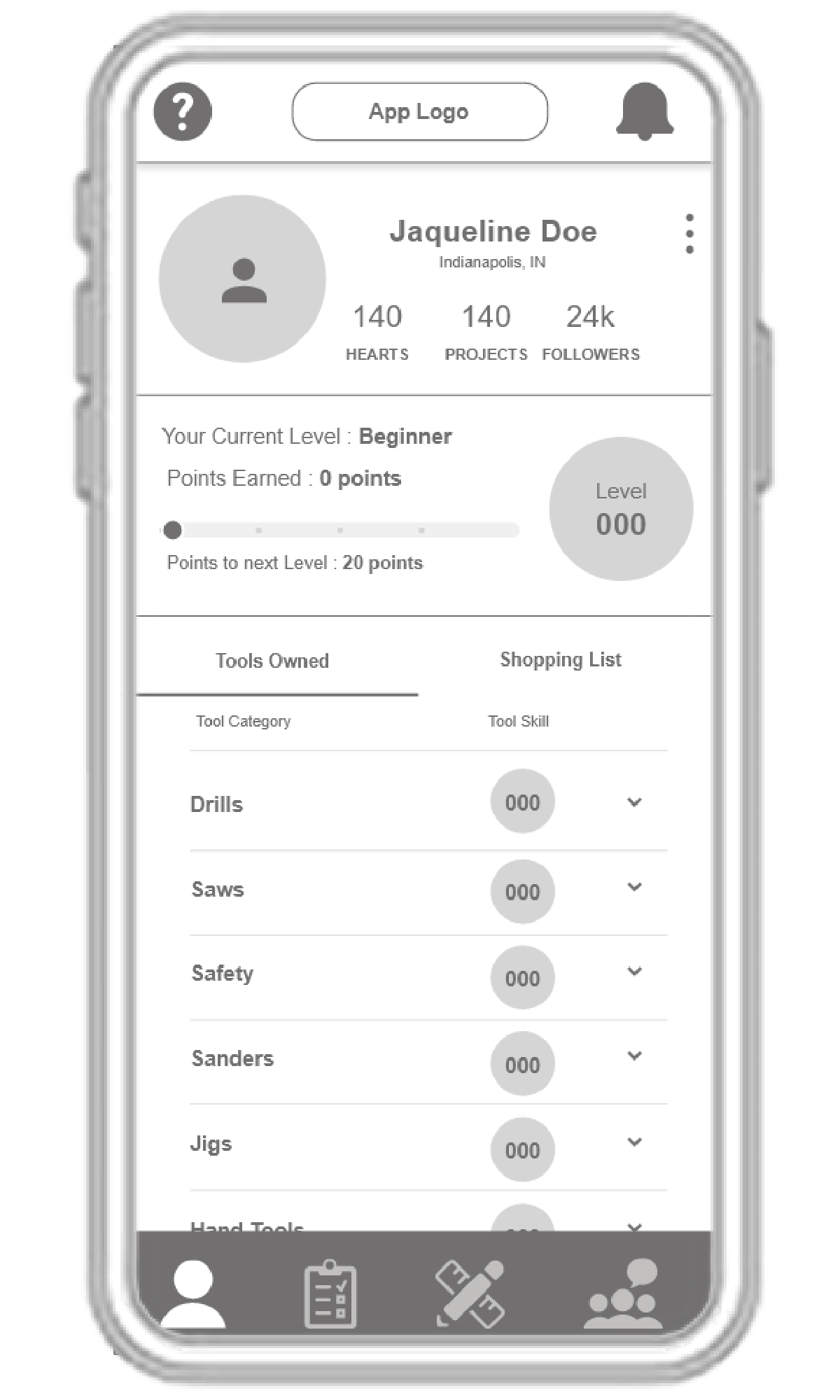
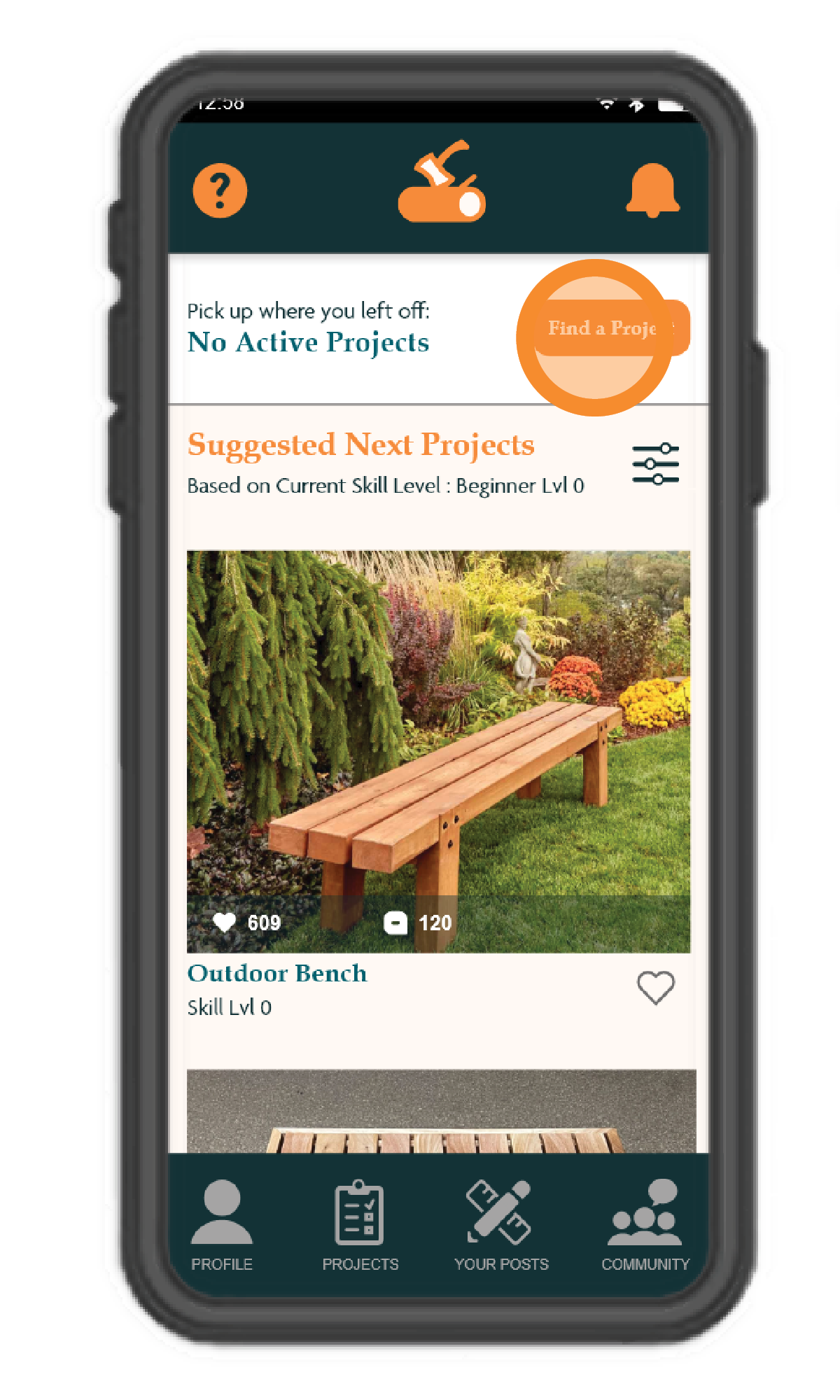
Usability Testing - Before and After - Change 1
Usability Testing

Change 1

Before and After

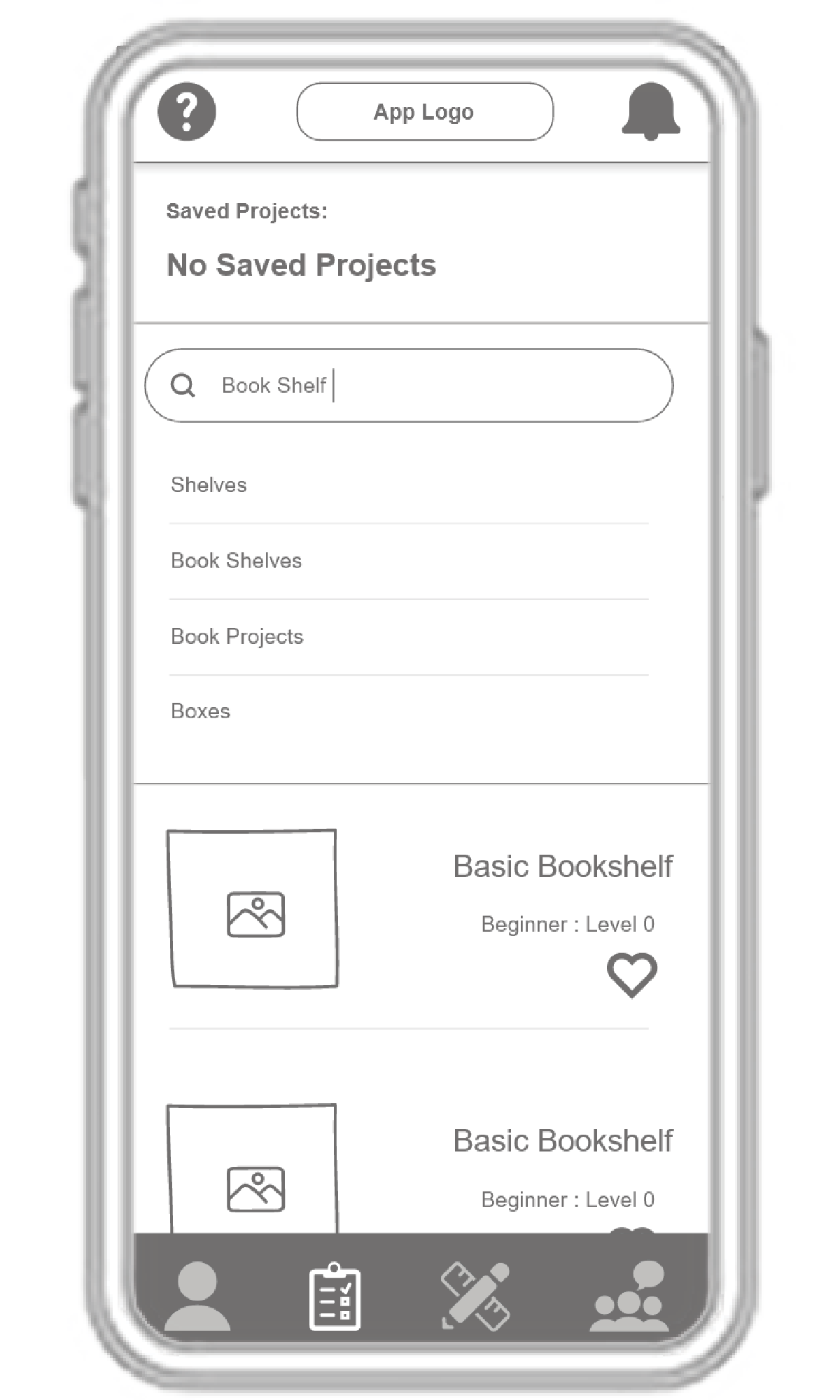
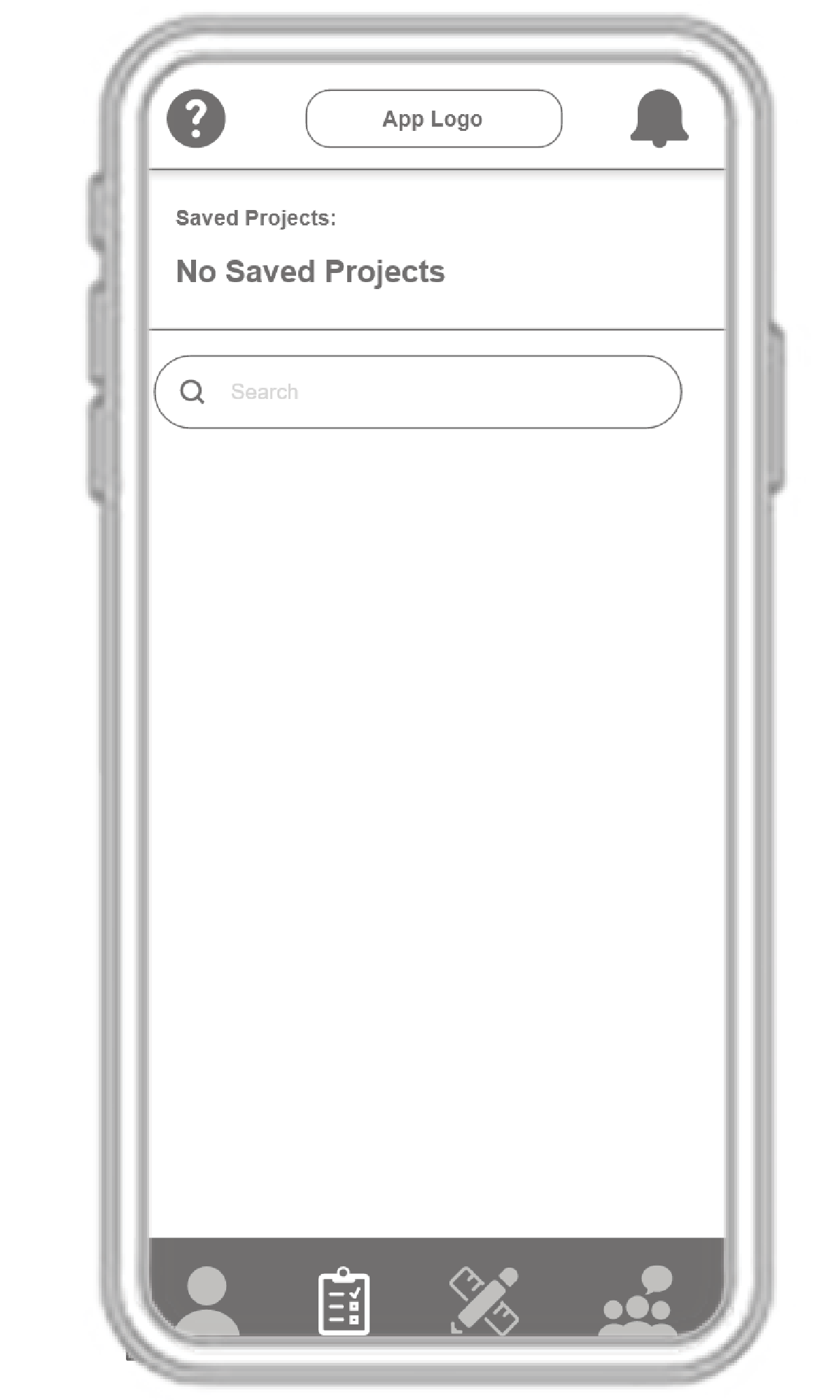
Separate the Screen for searching up the bookshelf

Turned the Search bar feature on the project screen into a toggle

Before

Change 1 Before

After

Change 1 After
Usability Testing - Before and After - Change 2
Usability Testing

Change 2

Before and After

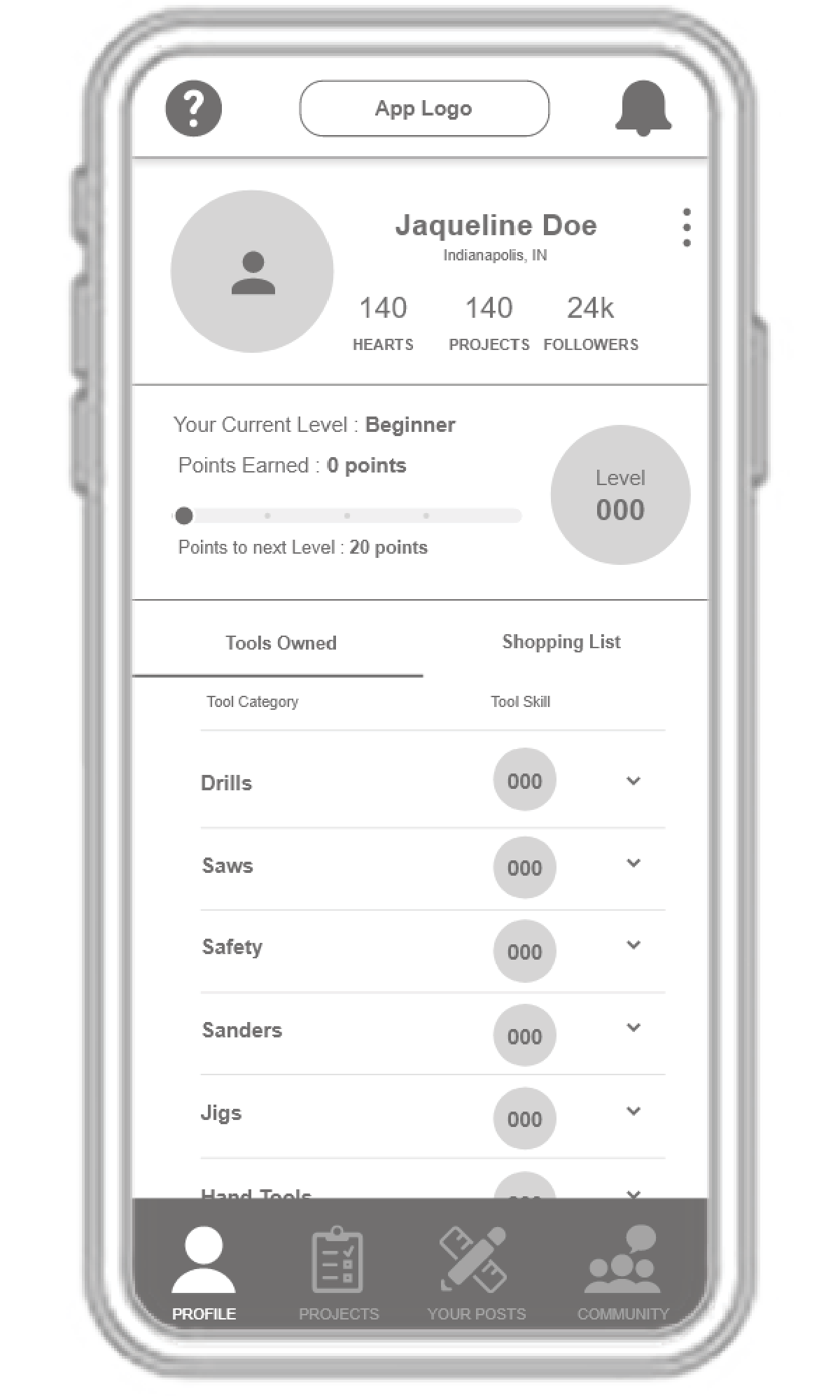
Changing the icons and making them a little larger would help with navigation and understanding.

Added icon description to make it easier for first time users

Made a greater distinction between active page and inactive icons

Before

Change 3 Before

After

Change 2 After
Usability Testing - Before and After - Change 3
Usability Testing

Change 3

Before and After

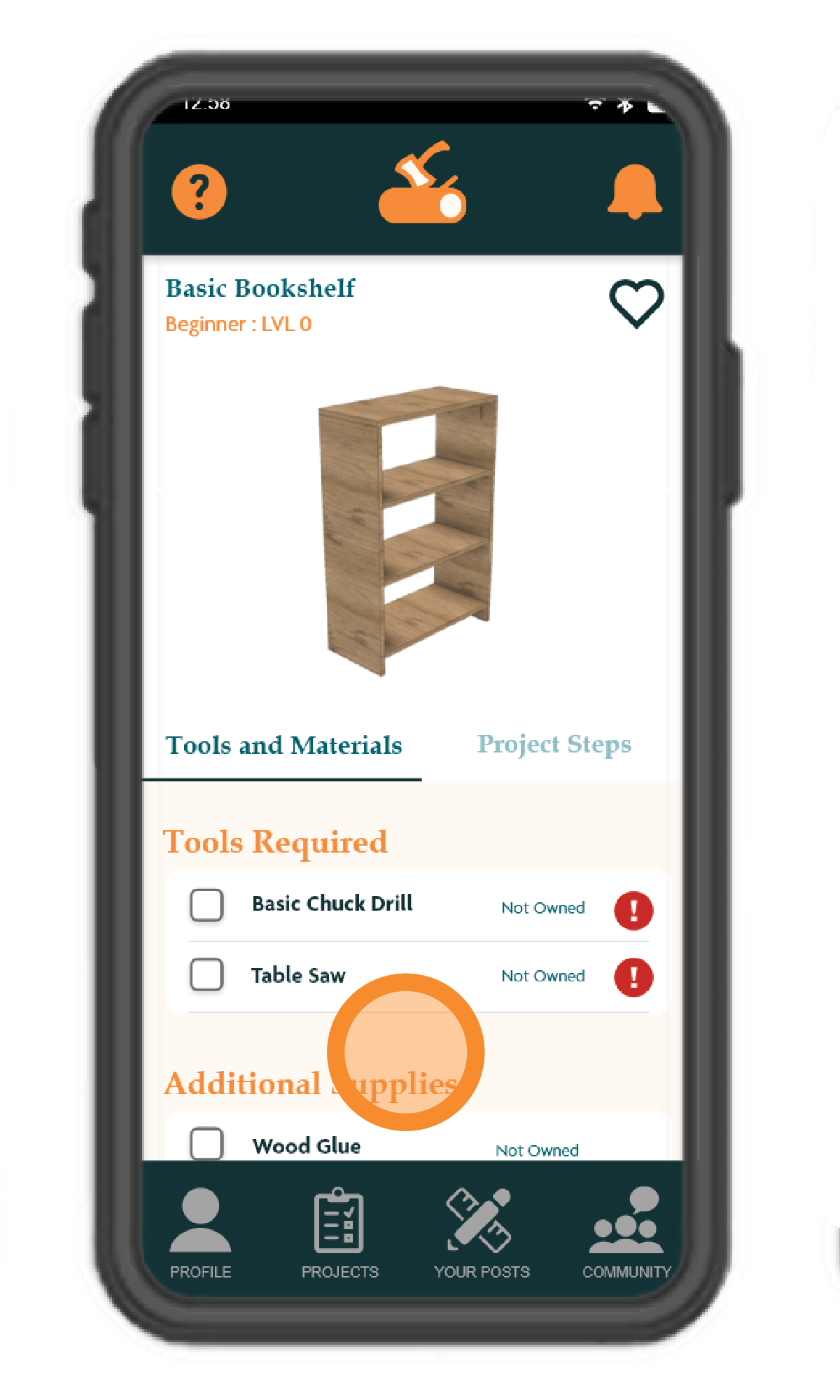
Make it clearer on the project page which tools are in my inventory already verses ones I need to purchase or rent

Added “Owned” or “Not Owned” to project tools and materials section

Before

Change 3 Before

After

Change 3 After
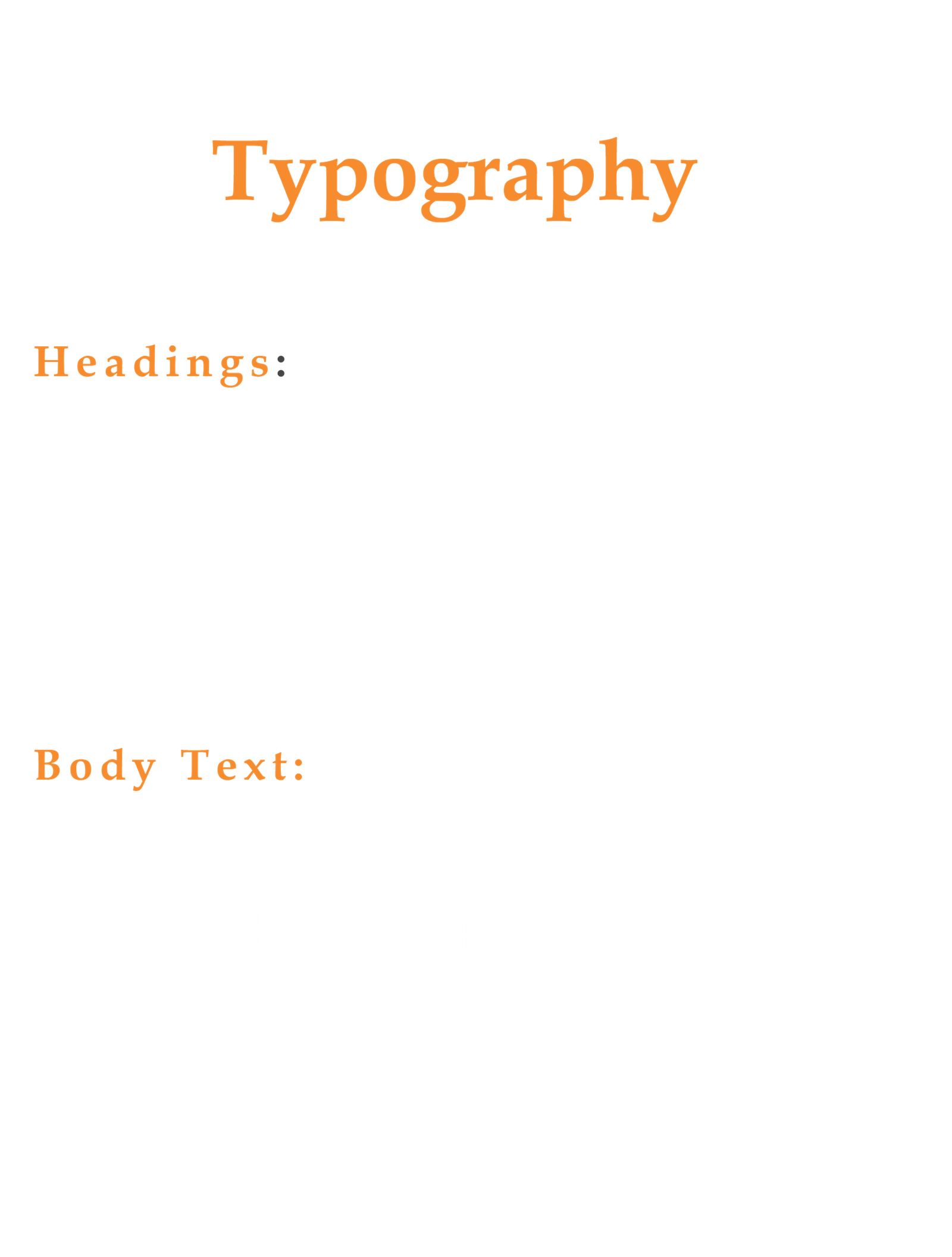
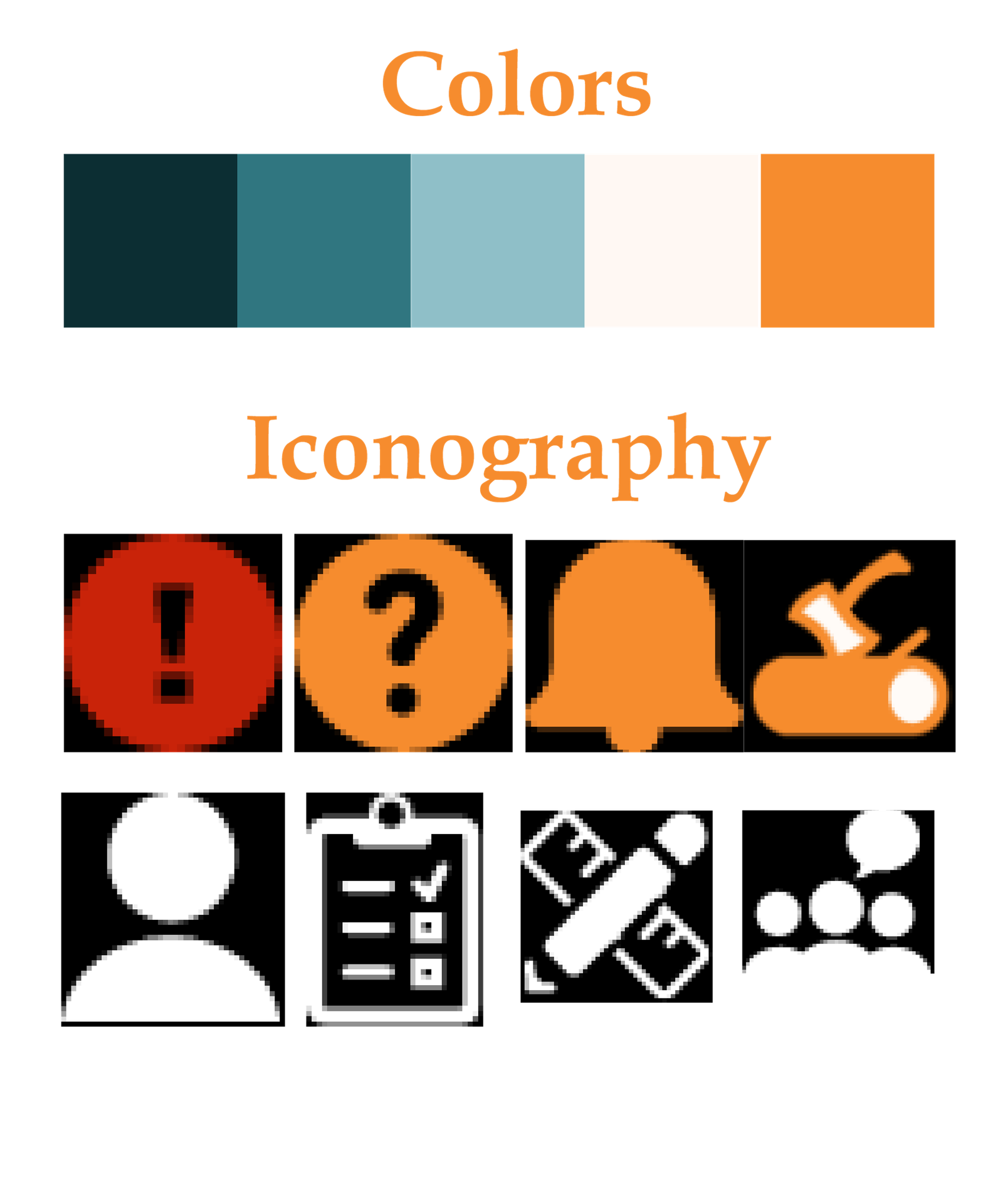
Visual Style Guide
Style Guide 1
Style Guide 2
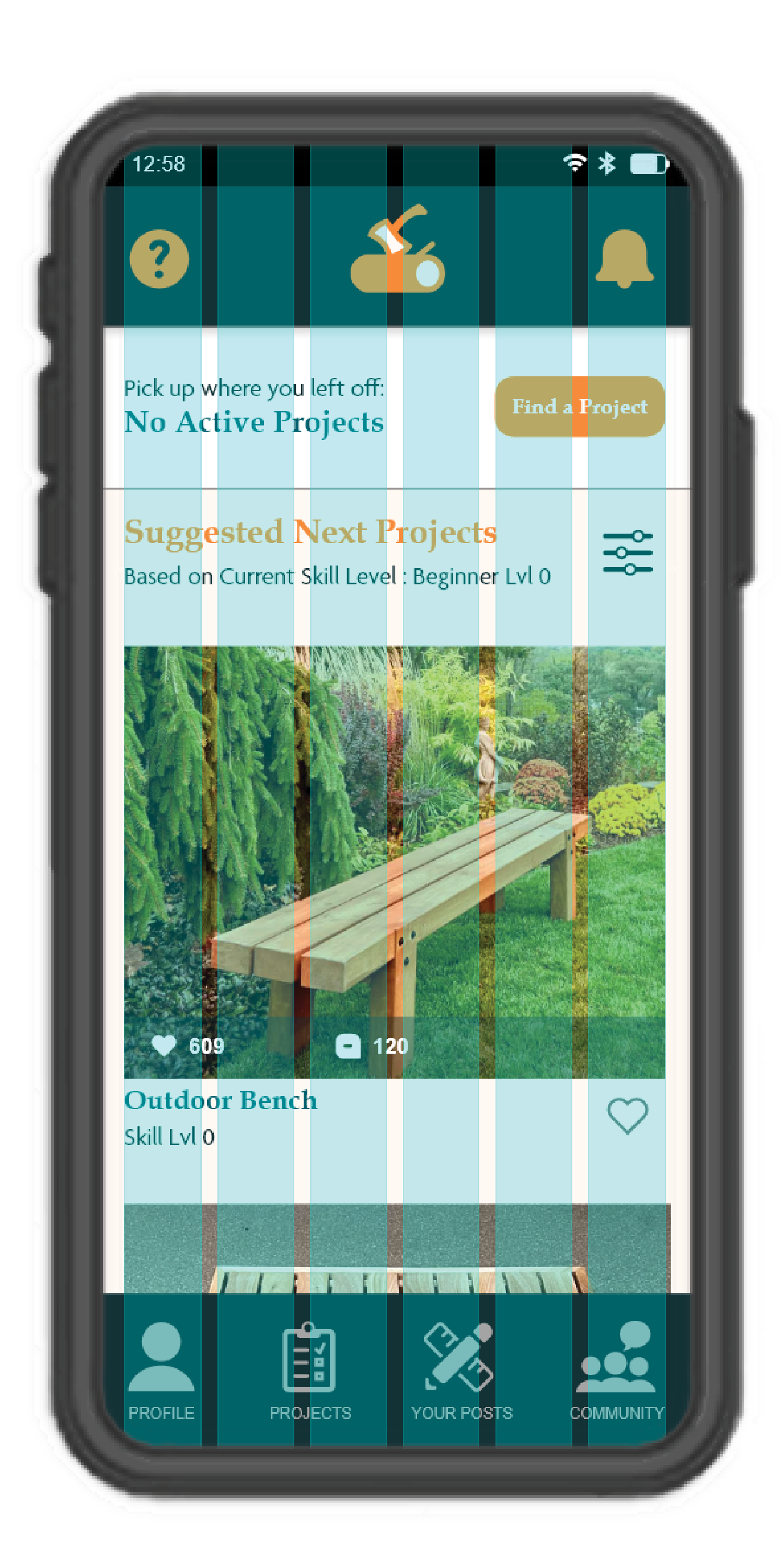
Grid System
Grid System

Change 3

Number of Columns -- 6

Gutter Width -- 10

Column Width -- 50

Margin Space -- 22

Grid Systems
High Fidelity Wireframes
User Task Flow

High Fidelity

High Fidelity 1
High Fidelity 2
High Fidelity 3
High Fidelity 4
High Fidelity 5
Final App Prototype
Final Mockup
Final Prototype
Click Here